Beta Free office suite for Android
Work freely.
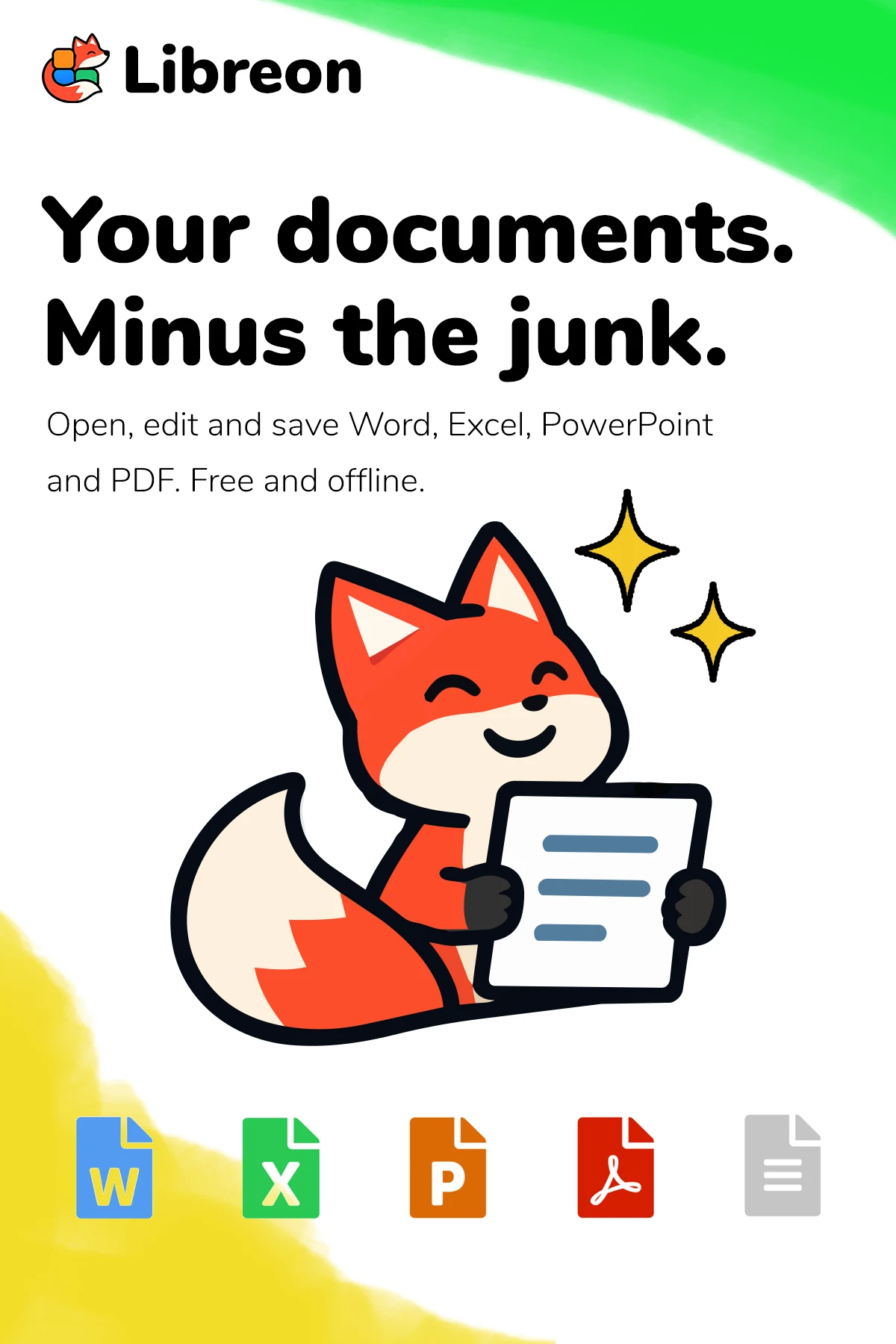
A private, fully offline office suite. Word, Excel, PowerPoint, PDF and text files, on your phone. No ads, no subscriptions, no account, no trackers, no AI.
Under Assets, pick the arm64-v8a APK.
Android 12 or newer · about 115 MB · Install help
What it does
Most office apps can't Your unsaved work survives anything
Most office apps only keep what you've saved. Libreon keeps a private recovery copy of every document you're editing, updated a couple of seconds after you stop typing and again whenever you leave the app.
Swipe it away, let Android close it, have it crash or let the battery die: when you open Libreon again, all your tabs come back with every unsaved change, and you save when you're ready. The recovery copies stay on your phone, inside the app.
Office documents
- Open, edit and save
.docx.xlsx.pptx, and the older.doc.xls.ppt. - OpenDocument (
.odt.ods.odpand flat versions) and.rtf. - Apple Pages, Numbers and Keynote open read-only.
- Export or share as PDF, ready for printing.
- Find with match counts, zoom levels, and a live word count in Word documents.
- Copy and paste with other apps; links open in your browser or mail app.
Powered by LibreOffice
- Smooth viewing with pinch zoom up to 1600%, thumbnails and search.
- Fill forms, add text, ticks and crosses to flat forms, and sign with saved signatures.
- Highlight, underline or strike out text; draw, add shapes and sticky notes that other PDF apps can see too.
- Rotate, move, delete and extract pages, or insert pages from another PDF.
- Links open in your browser or mail app, or jump to another page.
Powered by PDFium
Text, even huge files
- Plain text, Markdown with live preview, CSV with a table view and JSON with formatting, plus many code and config file types.
- Handles huge files (hundreds of MB) without choking.
- Find and replace, go to line, and a word count in the status line.
Tabs, search and more
- Tabs: keep lots of documents open; they're still there next time, unsaved changes included.
- Search your open, recent and recently closed files by name.
- Share any open document, unsaved edits included, or read it full screen.
- Word count for any document and for your selection.
- Themes: light, dark or follow the system, “light pages” for one document, and a themed icon.
- Screen-reader friendly controls.
Posters to share
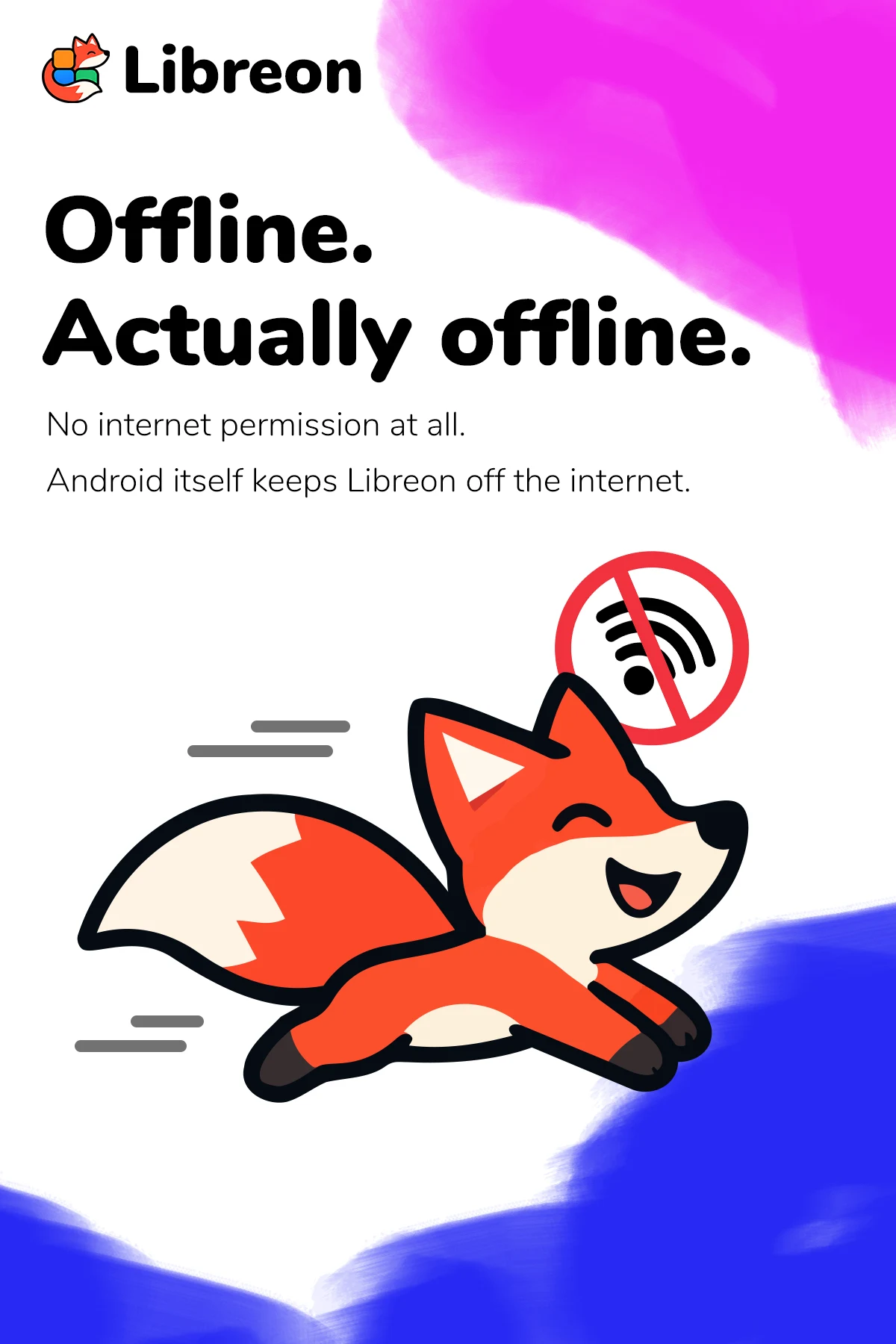
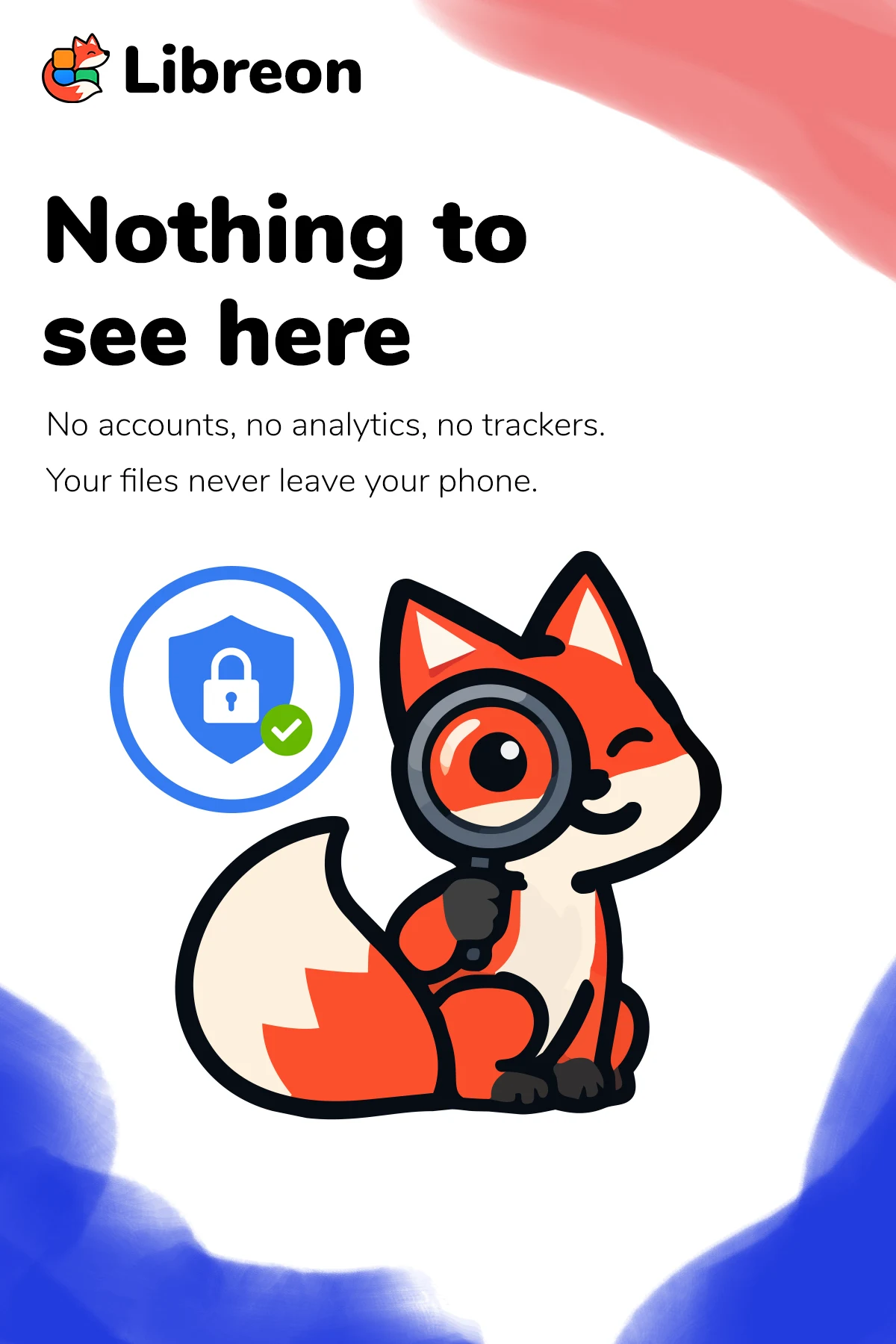
Tap a poster to see it bigger. Feel free to share them.
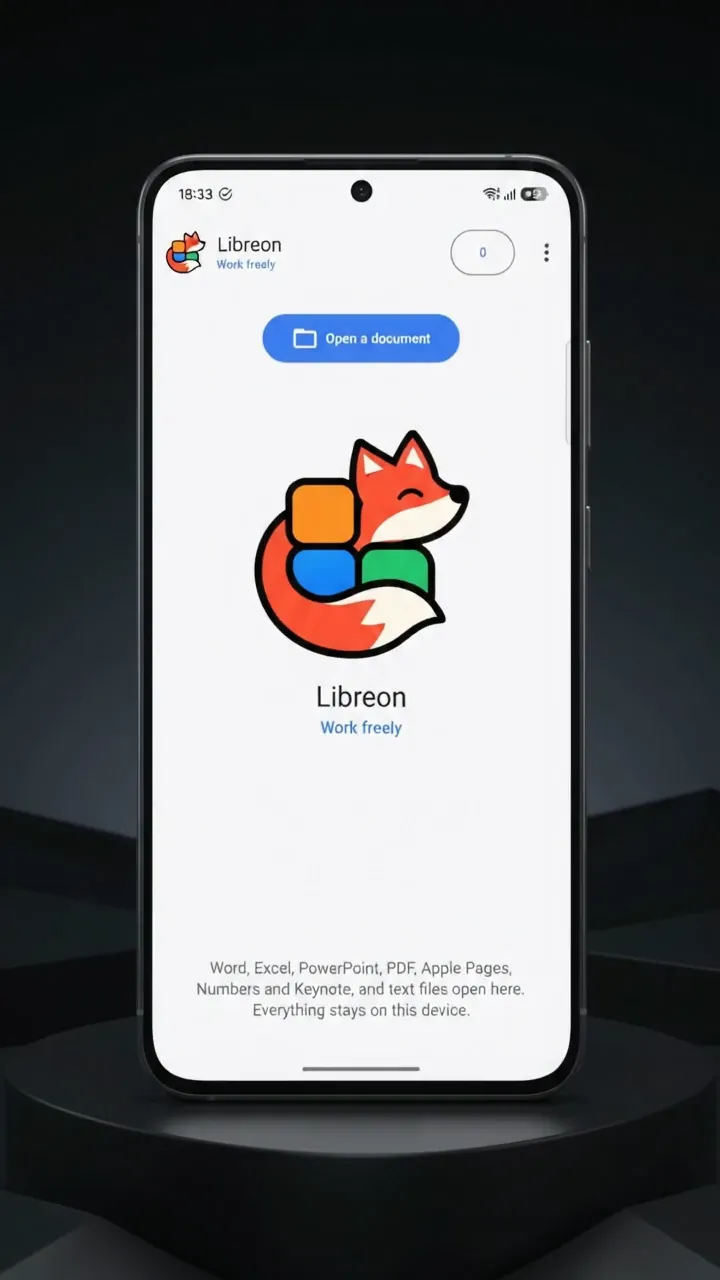
What it doesn't have
Libreon has no internet permission at all, so Android itself keeps it offline. Your documents never leave your device.
Things Libreon does not have
AdsSubscriptionsAccountsTrackersCrash reportersAI featuresInternet
Questions
How do I install it?
- On the latest release, under Assets, pick the
arm64-v8aAPK: it's the one for almost every phone and tablet. (x86_64is for emulators and some Chromebooks.) - Open it, and allow installing from your browser or file manager when Android asks.
You need Android 12 or newer.
Is it really offline?
Yes. Libreon doesn't have Android's internet permission, so the system itself blocks it from going online. No accounts, no analytics, no crash reporters, no “cloud” anything. The only web links are at the bottom of Settings (the GitHub page and a coffee banner), and they open in your browser only if you tap them. The code is public, so you don't have to take anyone's word for it.
Why is the download about 115 MB?
Because a whole office engine lives inside: LibreOffice's core for Office documents and PDFium (the PDF engine in Chrome) for PDFs, all running on your phone instead of a server.
Was it built with AI?
Yes, and it's worth being upfront about. The Android app was written with two AI coding assistants, Claude Code and Google Antigravity, while the developer designed it, reviewed the work and tested it on real phones. This website was made the same way.
The parts that open, edit and save your documents are LibreOffice and PDFium, mature open-source engines written by people over decades. There's no AI inside the app: the AI wrote code; it didn't move in. All of the source is public under the GPL-3.0.
Is it free forever?
Yes. No ads, no subscriptions, no “premium” version, no features held back. If you'd like to say thanks, there's a coffee link below, and a small banner at the very bottom of the app's Settings. Ignoring both is completely fine.
What can't it do yet?
It's a beta, so honestly:
- Office documents export to PDF only, for now. Printing goes through Share as PDF.
- Scanned PDFs have no text recognition (OCR) yet, and the existing text of a PDF can't be edited.
- Apple iWork files are view-only.
I found a bug, or have an idea.
Please open a bug report or suggest a feature. You don't need to be a developer. In the app, it's under ⋮ → Settings → Report a problem or suggest a feature.